 Practical AtlasIndependent reference
 ESP
ESP KOR
KOR JPN
JPN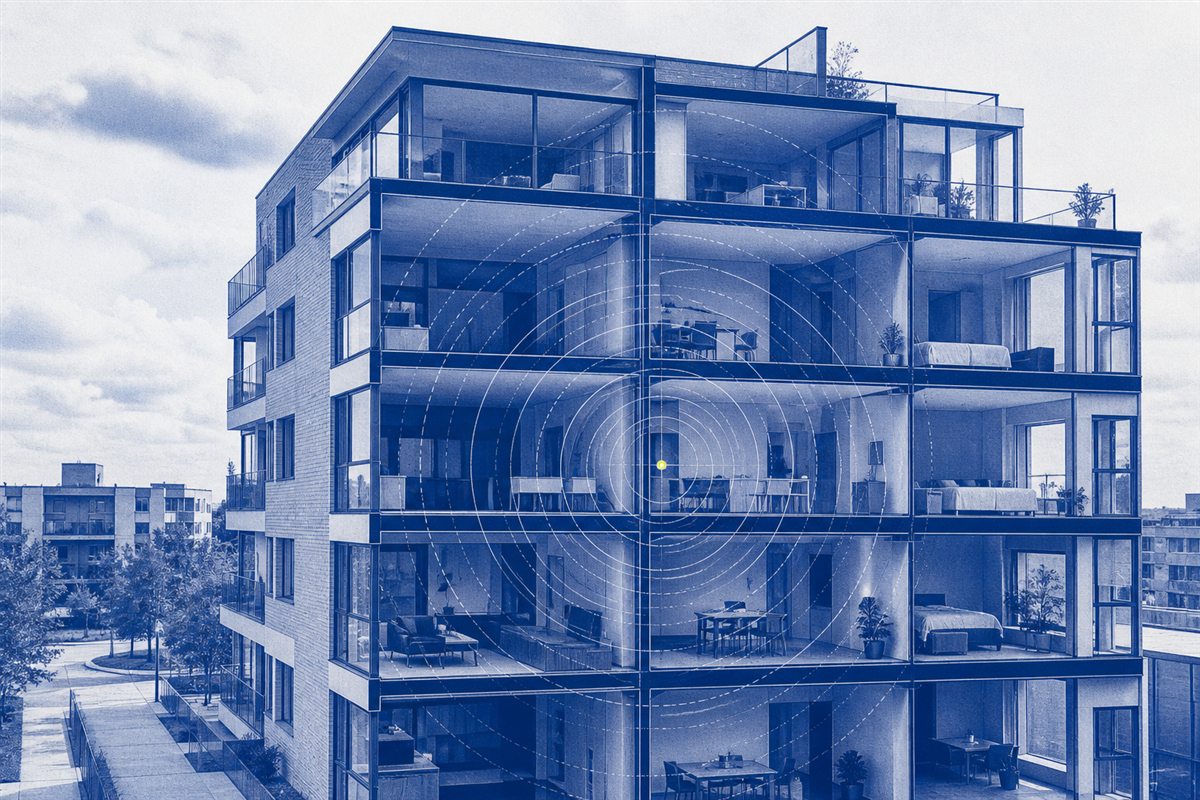 CONNECTIVITYCoverage · speed · networks↗
 STORAGECapacity · backup · transfer↗
 HOMEAir · comfort · maintenance↗
 CREATIVEExposure · color · workflow↗
 POWERBattery · charging · heat↗
HS · HOME SYSTEMS
PRACTICAL ATLASFree tools. Clear explanations.
Less guesswork.
Better decisions.
Work out an electricity bill. Fix slow Wi-Fi. Plan your next project—with free calculators and guides that show their workings.
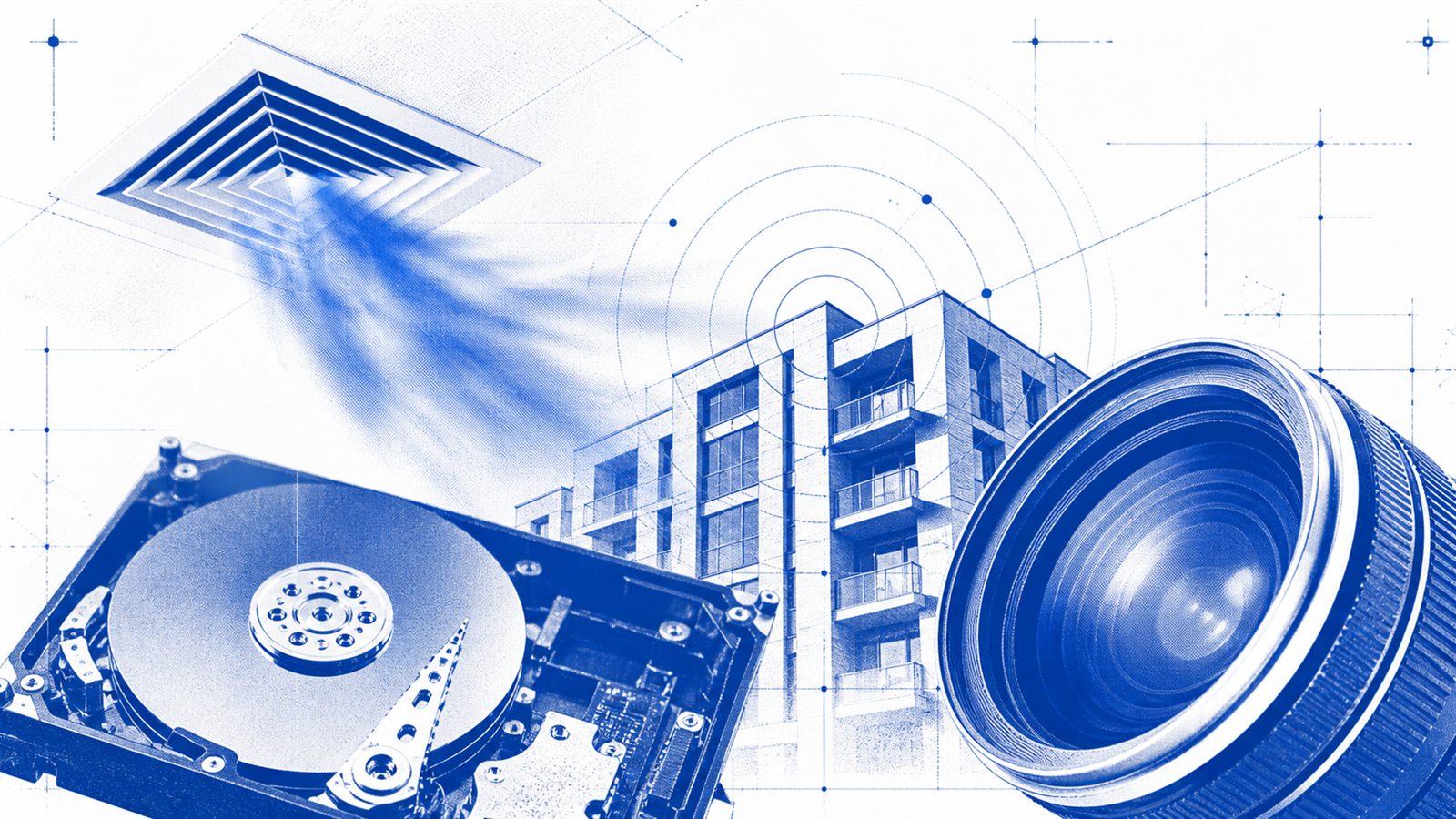
START WITH A REAL DECISION
What is your electricity
actually paying for?
Build a household worksheet, compare two bills, and test one change with numbers you can explain.
Build my electricity plan ↗Compare two bills →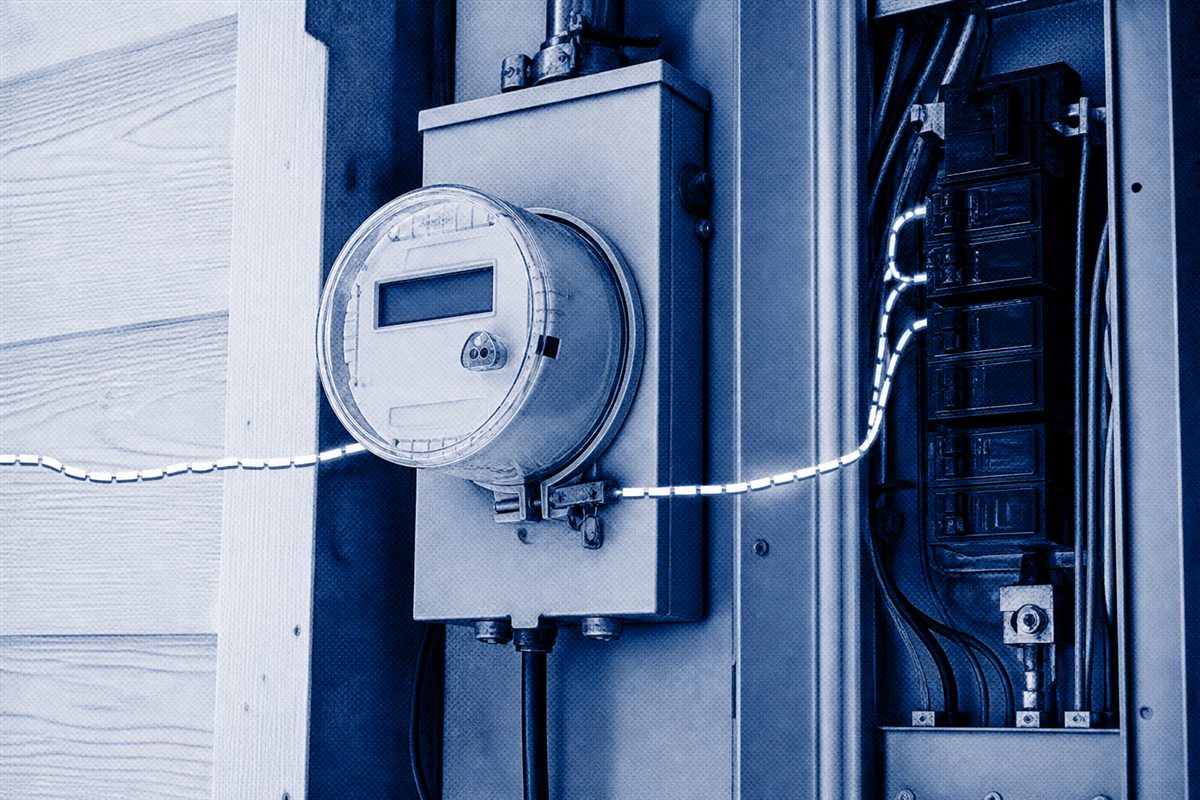
START / 01What are you
What are you
trying to solve?
Search the whole atlas, or jump straight into a practical question and its next useful test.
86Source-led guides
37Interactive tools
04Connected fields
Free to use.
No account required.
FIELD NOTES / 06Browse by system
Explore the systems
around you.
Start with the thing in front of you. Each visual field opens into practical guides, tests, and tools.
MODEL / 01A visible method
See the
system move.
A useful answer starts with a visible model. Observe the context, run one clean test, then choose the next action.
- 01OBSERVESee the system in context.
- 02TESTMeasure one useful variable.
- 03DECIDEAct on evidence, not guesswork.
02 / 04Follow a useful path
One question.
Three moves.
Each field connects background knowledge to a real test and a defensible next step.
CT · CONSUMER TECH
Make the network explain what it is doing.
Open the field ↗PH · PHOTOGRAPHY
Turn camera settings into visible choices.
Open the field ↗AI · AI WORKFLOWS
Turn a vague request into verified work.
Open the field ↗VISUAL / 01Guide anatomy
See where
signal is lost.
Good diagrams turn a vague symptom into a testable model. Walls, distance, interference, and router position become visible before you change a setting or buy hardware.
Open the slow Wi-Fi guide ↗03 / 04Interactive methods
Use the instrument,
not a hunch.
READ & USESelected field guides
Useful now.
How reviews work ↗Trace a sudden or gradual electric-bill increase by separating price, billing period, weather, occupancy, equipment runtime, and a small number of measured loads.
↗CT-0001troubleshoot · 5 min readWhy Is My Wi-Fi Slow?Separate an internet-plan problem from Wi-Fi coverage, interference, congestion, and one-device faults with a repeatable sequence of tests.
↗AI-0002checklist · 3 min readWrite an AI Task Brief with Clear Acceptance CriteriaReplace “improve this form” with a bounded goal, relevant context, allowed files, acceptance checks, and explicit reasons to stop and ask.
↗HS-0007calculate · 5 min readHow to Calculate Appliance Electricity CostWork through watts, hours, duty cycles and a break-even example, then use the household electricity worksheet to compare the costs of your own appliances.
↗LOCALYour last reference
Continue where
you left off.
Review datesOn each guide
MethodSources beside claims
Commercial policyNo paid rankings
Practical Atlas is an independent reference. Review dates, sources, safety limits, and corrections stay visible so you can judge the answer—not just trust the page.
Read the editorial policy ↗